

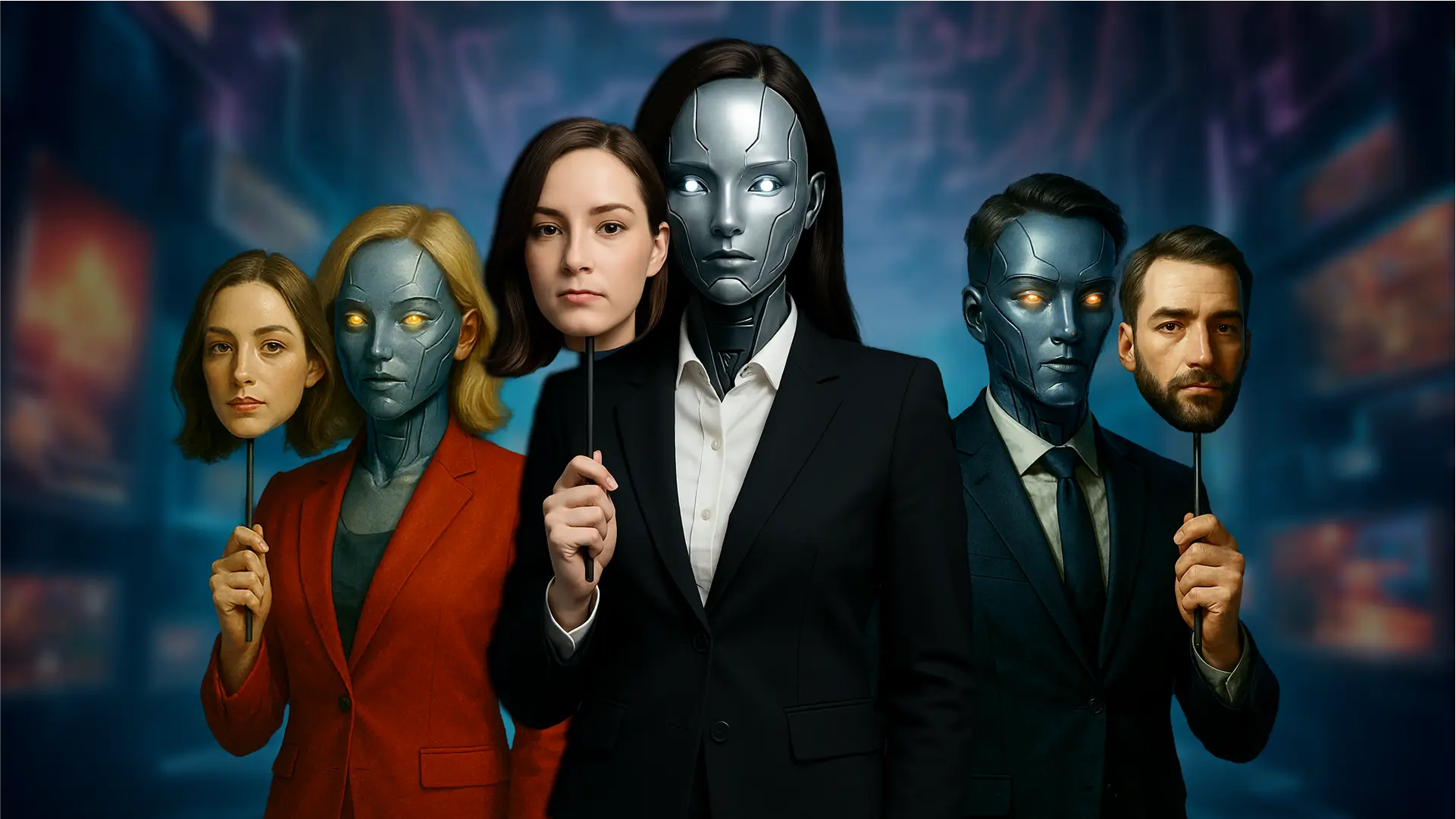
I’ll be honest — the first time I saw a digital version of someone speaking in a language they don’t actually know, lips moving in perfect sync, I assumed it was a trained voice actor with some clever editing. It wasn’t. It was a synthetic character generated entirely from a photo and a script. That moment is when most people start asking the same question: what is this technology, and can I actually trust it?
That’s exactly what this guide answers — without the hype, and without pretending every tool in this space is perfect.
Quick Answer (For Those in a Hurry)
An AI avatar is a digital, computer-generated representation of a person — or a fictional character — created using artificial intelligence. It can talk, move its lips in sync with audio, mimic facial expressions, and sometimes even react in real time. These avatars are built using machine learning models trained on images, video, and voice data, and they’re commonly used for marketing videos, online courses, customer support bots, virtual influencers, and personal branding content.
In short: it’s a way to put a realistic (or stylized) “face” on content without filming a real person every single time.
What Is an AI Avatar, Really?
At its core, the term describes a digital character powered by machine learning that can simulate human presence — speech, expression, sometimes gestures — without a camera rolling in real time.
There are generally two flavors of this technology floating around right now:
- Static-to-animated avatars — you upload one photo, and the system animates the face to speak a script you provide.
- Full-body or 3D avatars — used in gaming, VR, and metaverse-style platforms, where the character moves and interacts in a virtual environment.
People often confuse this with a regular cartoon profile picture or a Snapchat filter. It’s not the same thing. A filter modifies your live face in real time using pre-set effects. This technology, on the other hand, generates new visual and audio output based on training data — meaning it can produce content of someone speaking words they never actually said on camera.
That distinction matters a lot, and we’ll get to why in the safety section.
How Does It Work? (The Non-Technical Explanation)
You don’t need a computer science degree to understand the basics, so I’ll keep this simple.
- Input collection — The system takes a photo, a short video clip, or sometimes a 3D scan of a face.
- Voice generation or cloning — Either you record your own voice, type a script for a synthetic voice, or in some cases, clone an existing voice sample.
- Lip-sync and facial mapping — Deep learning models analyze the phonetics of the audio and map corresponding mouth shapes and facial micro-movements onto the image or 3D model.
- Rendering — The final output is rendered as a video, where the avatar appears to speak naturally.
Behind the scenes, this usually relies on generative adversarial networks (GANs) or diffusion-based models, plus text-to-speech (TTS) engines for voice. Some platforms also use neural rendering to make skin texture, eye movement, and blinking look less robotic — because early versions of this tech had a real problem with the “uncanny valley” effect, where faces looked almost human but just off enough to feel unsettling.
Honestly, even now, some avatars still have that slightly stiff quality around the eyes. It’s improved a lot, but it’s not flawless.
Main Features You’ll Typically Find
Different platforms offer different capabilities, but most tools in this category include:
- Custom avatar creation from a single photo or short video upload
- Multilingual voice support, often with dozens of languages and accents
- Script-to-video conversion — type text, get a talking video
- Pre-built avatar libraries if you don’t want to use your own face
- Background and clothing customization
- Real-time avatar interaction for live streaming or virtual meetings
- API access for businesses to embed avatars into apps or websites
Some advanced platforms even allow gesture control and emotional tone adjustment, so the avatar sounds excited, calm, or serious depending on the content.
Pros and Cons
Nothing in tech is purely good or purely bad, and this category is no exception.
Benefits
- Saves production time. No camera crew, no reshoots when you make a typo in the script — just edit the text and regenerate.
- Useful for non-camera-confident people. Some folks are great on paper but freeze in front of a lens. This bridges that gap.
- Scales content production. A single training course can be translated into ten languages without hiring ten voice actors.
- Cost-effective for small businesses that can’t afford studio shoots or professional actors.
- Consistency. The same “presenter” can appear across hundreds of videos without scheduling conflicts.
Drawbacks
- Can feel impersonal. Audiences increasingly notice synthetic presenters, and some viewers disengage once they realize it’s not a real person.
- Limited emotional range. Subtle human expressions — the kind that build trust — are still hard to replicate convincingly.
- Ethical gray zones. Voice cloning and likeness generation raise consent issues if not handled carefully.
- Quality varies wildly between platforms. Some output is genuinely impressive; some still looks like a glitchy video game cutscene from 2014.
- Ongoing subscription costs for decent quality tiers, which adds up for solo creators.
Real-World Use Cases
This isn’t just a novelty — it’s already embedded in several industries, sometimes more than people realize.
- Corporate training videos. Companies use these to create onboarding material without scheduling actual employees for filming, and update it instantly when policies change.
- E-learning platforms. Course creators generate lesson videos in multiple languages from one script.
- Customer support. Some companies use animated avatars as the “face” of a chatbot, which tends to feel more approachable than plain text.
- Marketing and ads. Brands test multiple ad variations quickly without booking actors for each version.
- News and media. A few news outlets, particularly in Asia, have experimented with AI news presenters for routine bulletins.
- Personal branding. Solo entrepreneurs and YouTubers use it to maintain a consistent on-camera presence even on days they don’t feel like filming.
I’ve personally seen small business owners use this for product explainer videos when they simply didn’t have the budget or confidence to be on camera. It worked — not perfectly, but well enough to get the message across professionally.
Safety, Privacy, and Legitimacy — The Part People Skip (But Shouldn’t)
This is where I’d urge caution, because this space genuinely does have risks worth understanding.
Is it legitimate? Yes, the technology itself is real and widely used by reputable companies, including major tech firms building this into video conferencing and content tools. It’s not a scam category in itself.
But is every tool trustworthy? No. And that distinction matters. Before using any platform, check:
- Where uploaded photos and voice samples are stored, and for how long
- Whether the company sells or trains on your likeness data
- If there’s a clear deletion policy for your biometric data
- Whether the platform has documented consent requirements for using someone else’s face or voice
Deepfake concerns are real. The same underlying technology that makes a polite training video also powers malicious deepfakes used for fraud, impersonation, or non-consensual content. Reputable platforms add watermarking, consent verification (like requiring a live video confirmation before cloning a face), and usage restrictions. If a tool lets you upload anyone’s photo with zero verification, that’s a red flag, not a feature.
Practical safety tip: Never upload someone else’s photo or voice sample without their explicit permission, even for harmless purposes. Several countries are actively drafting or enforcing laws around digital likeness rights, and this area is moving fast.
Common Problems and Limitations
Even the best tools on the market run into recurring issues:
- Lip-sync drift on longer videos, where mouth movement slowly falls out of rhythm with audio
- Robotic voice intonation, especially with synthetic (non-cloned) voices on emotional content
- Limited background interaction — most avatars can’t realistically hold or interact with physical objects
- Rendering time can be slow for high-resolution output, particularly on free tiers
- Awkward hand and body movement in full-body avatars, which still lags behind facial animation quality
If you’re expecting Hollywood-level realism for free, you’ll be disappointed. The premium tools are noticeably better than free ones, and that gap is still pretty significant in 2026.
How Does It Compare to Alternatives?
| Option | Best For | Limitation |
|---|---|---|
| Hiring a real presenter | High trust, authentic connection | Expensive, time-consuming, hard to scale |
| Stock video footage | Quick, low-cost visuals | Generic, no personalization |
| Animated cartoon explainer | Simple, friendly tone | Lacks human realism |
| AI-generated talking character | Scalable, multilingual, fast | Can feel impersonal, ethical considerations |
If your goal is authentic, emotionally resonant storytelling — like a personal vlog — a real human still wins. If your goal is scalable, multilingual, repeatable content like training modules or product explainers, synthetic presenters genuinely make sense.
Practical Opinion: Is It Actually Useful?
From what I’ve seen across different use cases, yes — but with conditions.
It’s genuinely useful when:
- You need to produce content in multiple languages without hiring multiple voice actors
- You’re creating internal corporate material where polish matters more than personality
- You want to test video concepts quickly before investing in a full production
It’s probably not the right call when:
- You’re building a personal brand where authenticity and human connection are the entire point
- Your audience is highly skeptical of AI-generated content (and increasingly, many are)
- You’re dealing with sensitive topics where emotional nuance genuinely matters
My honest take: treat it as a production tool, not a replacement for human presence where trust is the main currency. It’s a “yes, but know your audience” kind of technology.
Final Verdict
This technology isn’t a gimmick, and it isn’t magic either. It’s a legitimate, increasingly mainstream tool that solves real production problems — speed, cost, scalability — while introducing new ones around authenticity and trust. The companies building responsibly into this space, with consent verification and clear data policies, are worth using. The ones that let you upload anyone’s face with no checks are worth avoiding entirely.
If you’re considering it for business content, training, or scaling video production, it’s worth trying with a free tier first before committing to a paid plan. If you’re hoping it replaces genuine human connection in your personal brand, manage your expectations.
Follow Us For More Informational Blogs About Tech
FAQs
Q: Is an AI avatar the same as a deepfake?
A: Not exactly. The underlying technology overlaps, but a deepfake specifically refers to deceptive or non-consensual use of someone’s likeness. A properly created and consented digital presenter used for legitimate content isn’t inherently a deepfake — intent and consent are what separate the two.
Q: Can I make one for free?
A: Yes, several platforms offer free tiers, though they usually limit video length, resolution, or watermark the output. Paid plans unlock higher quality, longer videos, and commercial usage rights.
Q: Do I need technical or video editing skills to use one?
A: No. Most platforms are designed for non-technical users — you upload a photo, type or paste a script, and the system generates the video automatically.
Q: Is it legal to use my own face for this?
A: Generally, yes, since it’s your own likeness. Using someone else’s photo or voice without their consent is where legal and ethical problems begin.
Q: Will viewers be able to tell it’s not a real person?
A: Often, yes — especially on close-up, high-resolution screens. Lip-sync precision and eye movement have improved significantly, but most attentive viewers can still spot subtle giveaways.
Q: What’s the best use case for this technology right now?
A: Multilingual corporate training, e-learning content, and product explainer videos tend to get the best return, since the priority is clarity and scalability rather than emotional depth.
Q: Are there privacy risks involved?
A: Yes, particularly around biometric data storage. Always review a platform’s data retention and deletion policy before uploading personal photos or voice recordings.
